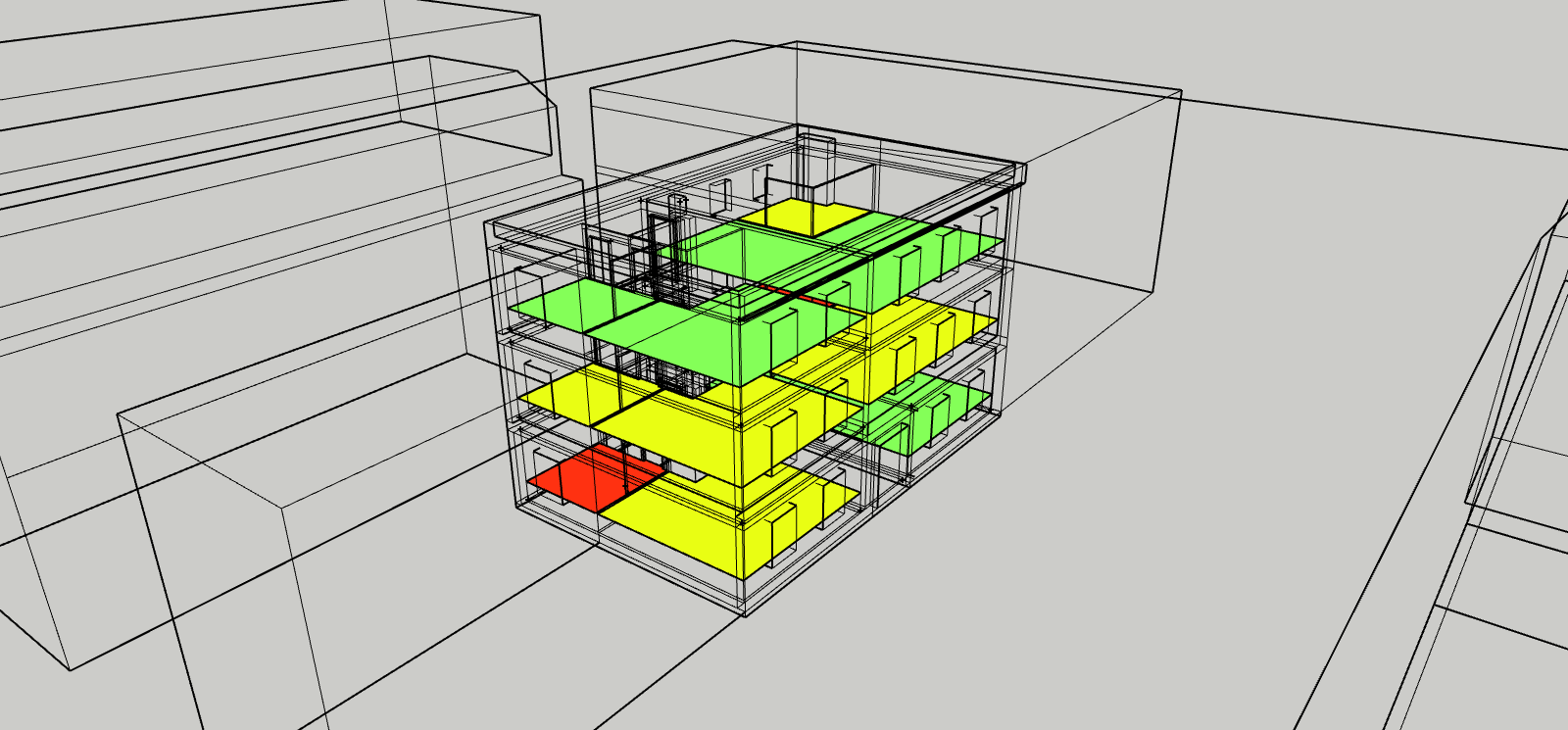
The DGNB (Deutsche Gesellschaft für Nachhaltiges Bauen) assessment is based on 7 indicators (source DGNB soc 1.4 Visual Comfort):
In DL-Light, KPI 1 can be addressed with the Daylight Factor module, KPI 4 can be addressed with the "Vision Angle to the Outside" module, KPI 7 can be addressed with the Lux module.
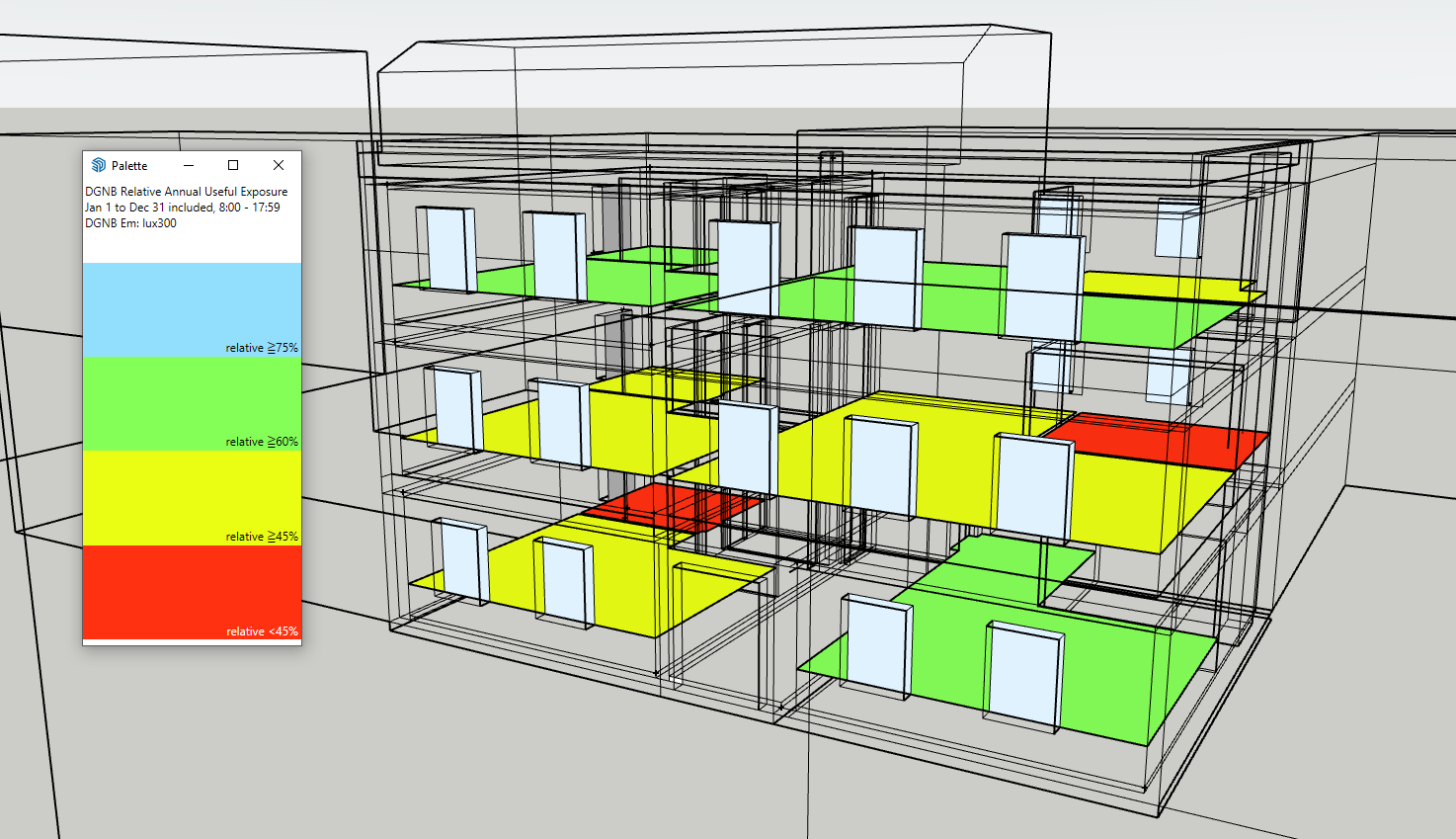
The module we call DGNB deals with KPI 2 "Relative Annual Useful Exposure" .
The principle of this indicator is close to that of daylight autonomy.
It introduces a few specificities:
The extension allows the calculation of daylight autonomy according to two modes:
Open the SketchUp model. Consult these recommendations to prepare the model.
Open the DGNB window from the toolbar
 or the menu
Extensions -> De Luminae -> Daylight Autonomy
-> Activate the extension
and enter the calculation parameters.
or the menu
Extensions -> De Luminae -> Daylight Autonomy
-> Activate the extension
and enter the calculation parameters.
There are 2 calculation modes in the module:
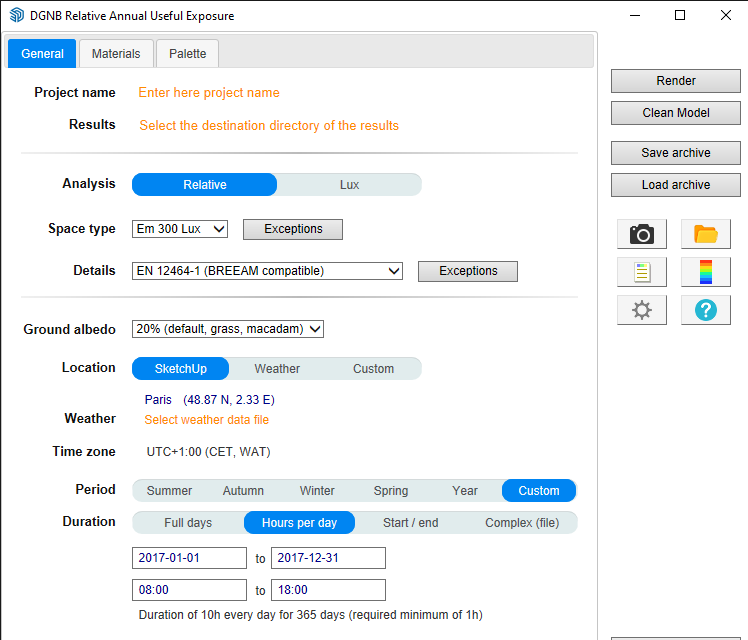
"Relative" Mode
"Lux" Mode
Meaning of the fields:
Project name - Name used for exports and output files. The SketchUp model name is used by default.
Results
- Directory in which the model is exported for
calculations.
When calculations are started, the model geometry
and result files are placed in the sub-directory
dgnb_output
.
For SketchUp projects stored on a network drive
(Windows), see the page
Working on a copy of the model
.
Analysis - Selection of the calculation mode:
Spaces - Selection of the Em level to reach:
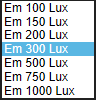
Details - Models may require different sensor densities. The level of detail of the results and the calculation time are directly related to the sensor density on the surface to be calculated. A large unobstructed surface may require a lower sensor density while a smaller surface but with complex obstructions may require a higher density.
DL-Light allows you to choose:
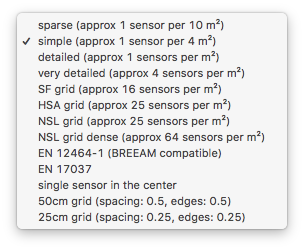
See the page sensor selection for more information on the proposed sensor choices.
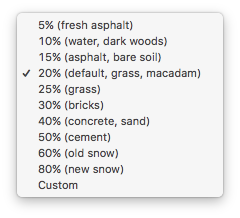
Ground reflection - Percentage of ground reflection, determines the amount of light reflected by the ground toward the model. Select a value from the list or enter a custom value in the window:
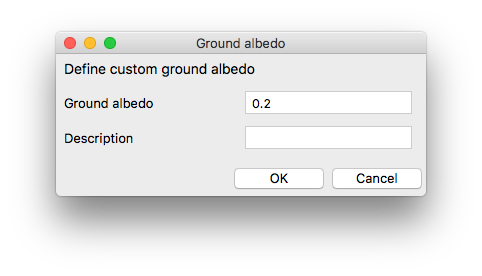
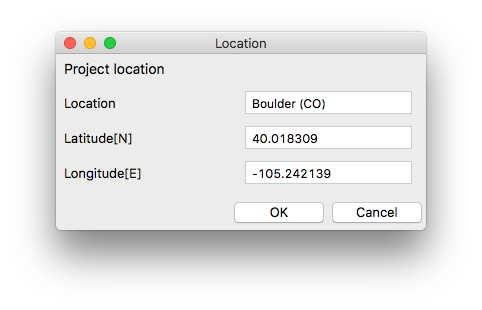
Location - Building location coordinates. This information is used in combination with weather data to generate a correct sky distribution. The location can be that of the SketchUp model, that of the weather file, or a custom location (see window below).
Weather - Selection of a weather file near the site in Energy Plus format . The weather file can be selected from the list provided by DL-Light or be downloaded from the Internet. See weather data for more details.
Time zone - Display of the time zone used for calculations.
The time zone is defined by the chosen climatic data
file.
Note: when a model is located in SketchUp, SketchUp
proposes a time zone based on the longitude of the
location. This value is sometimes incorrect,
especially in Europe or Asia.
Period - DGNB is normally calculated over the year, but for specific analyses a period can be chosen:
Season dates correspond to the northern hemisphere by default. Advanced settings allow for modifying seasons. See definition of seasons in DL-Light .
Full days - occupancy range from 0:00 to 23:59 over the day interval (end date included). Click on the entry area and choose the date from the calendar, or enter it directly.

Material definition.
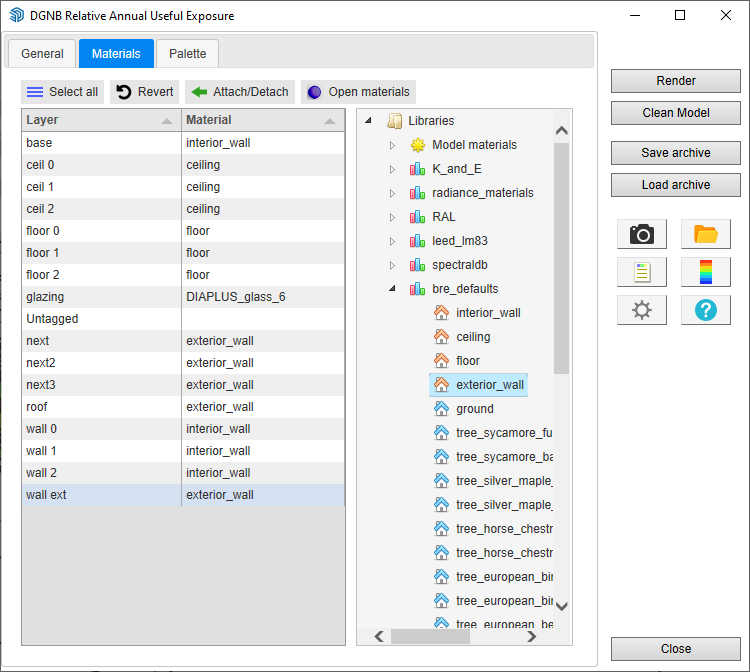
Each surface of the project interacts with daylight due to the optical characteristics of its surface material. It is therefore essential to assign the correct material to each surface. Material characteristics are reflectance and visible transmittance. DL-Light works by layers: a material is attached to a layer and all surfaces of that layer then use that material.
The material selection tab:
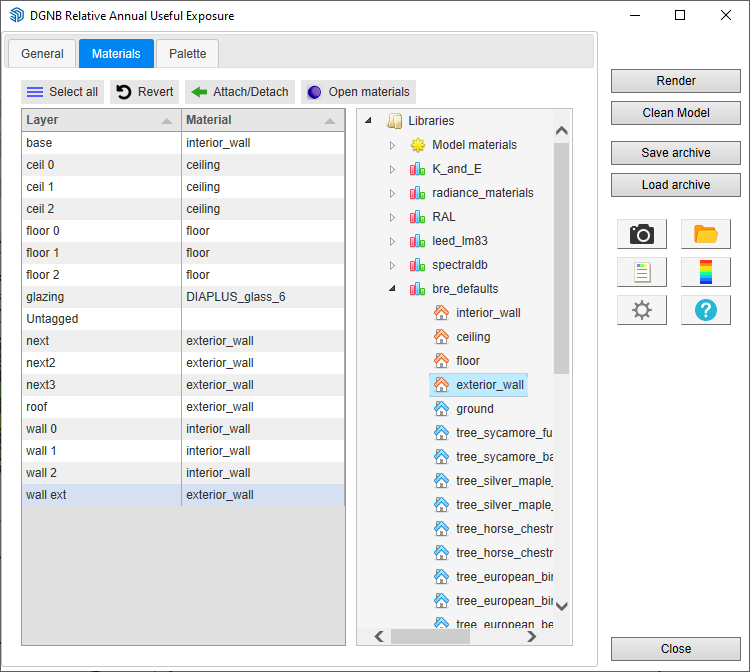
The Materials panel consists of two main parts:
To attach a material to a layer, select one or more layers
in the list, select a material and click on
"Attach/Detach"
.
Changes can be canceled all at once with the "Previous"
button.
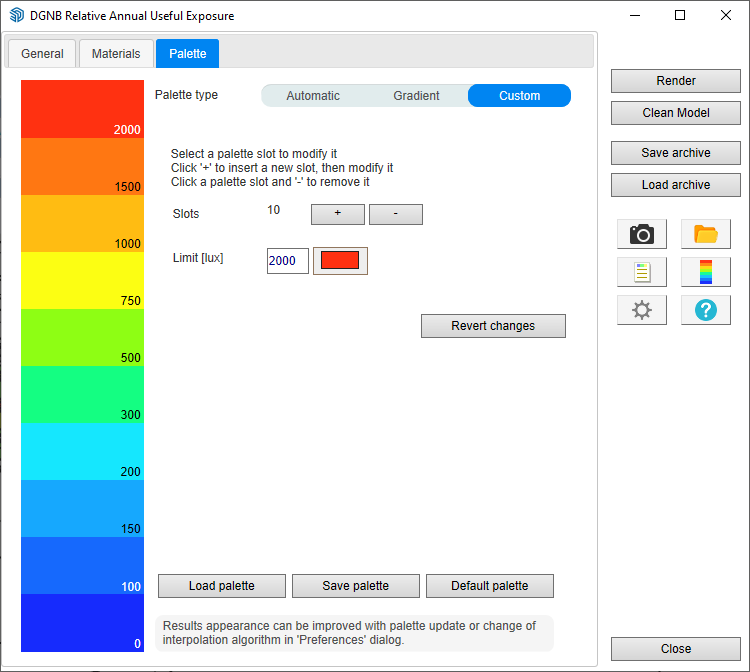
The false color palette is precisely configurable. 3 palette options are offered: Automatic, Gradient, and Custom.
After entering the parameters, select one or more surfaces
and click on
calculate
or on the toolbar
 to start the calculation.
Calculation time depends on the model size, its complexity, and the number of sensors.
When the calculation is complete, the results are imported into SketchUp. The selected surfaces receive a false color texture and the palette is displayed.
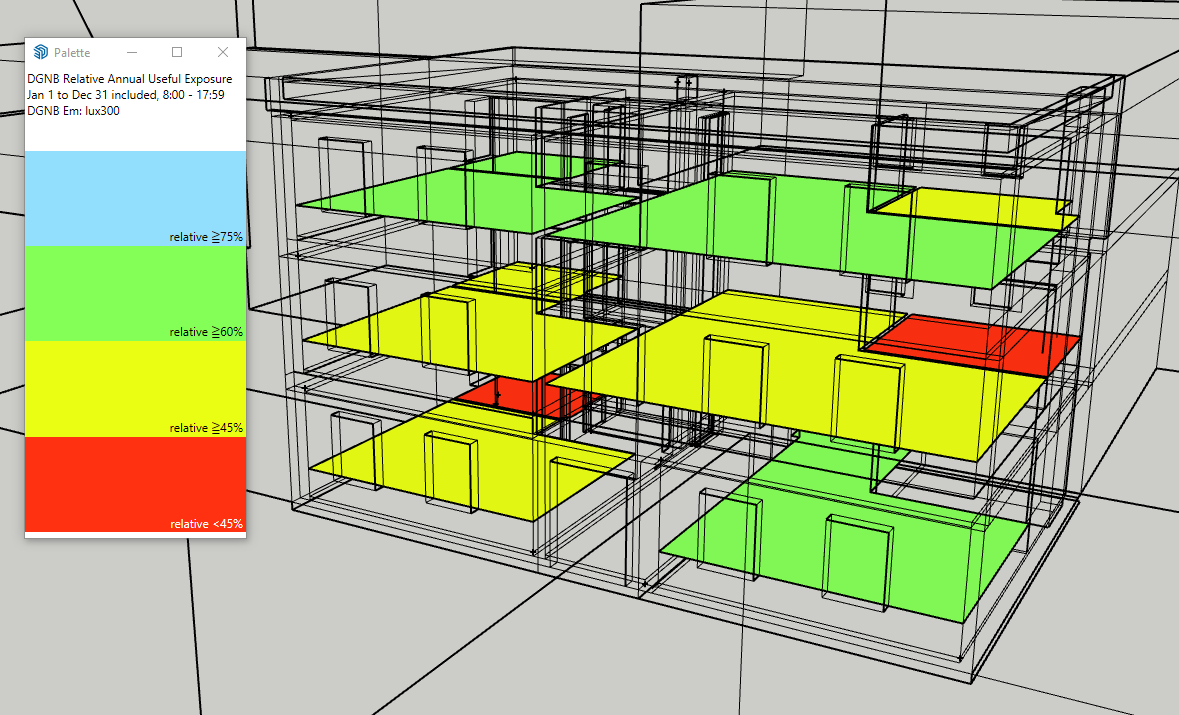
Analysis of results.
The
report window
 displays the distribution of results on the palette
and a summary of calculation parameters.
displays the distribution of results on the palette
and a summary of calculation parameters.

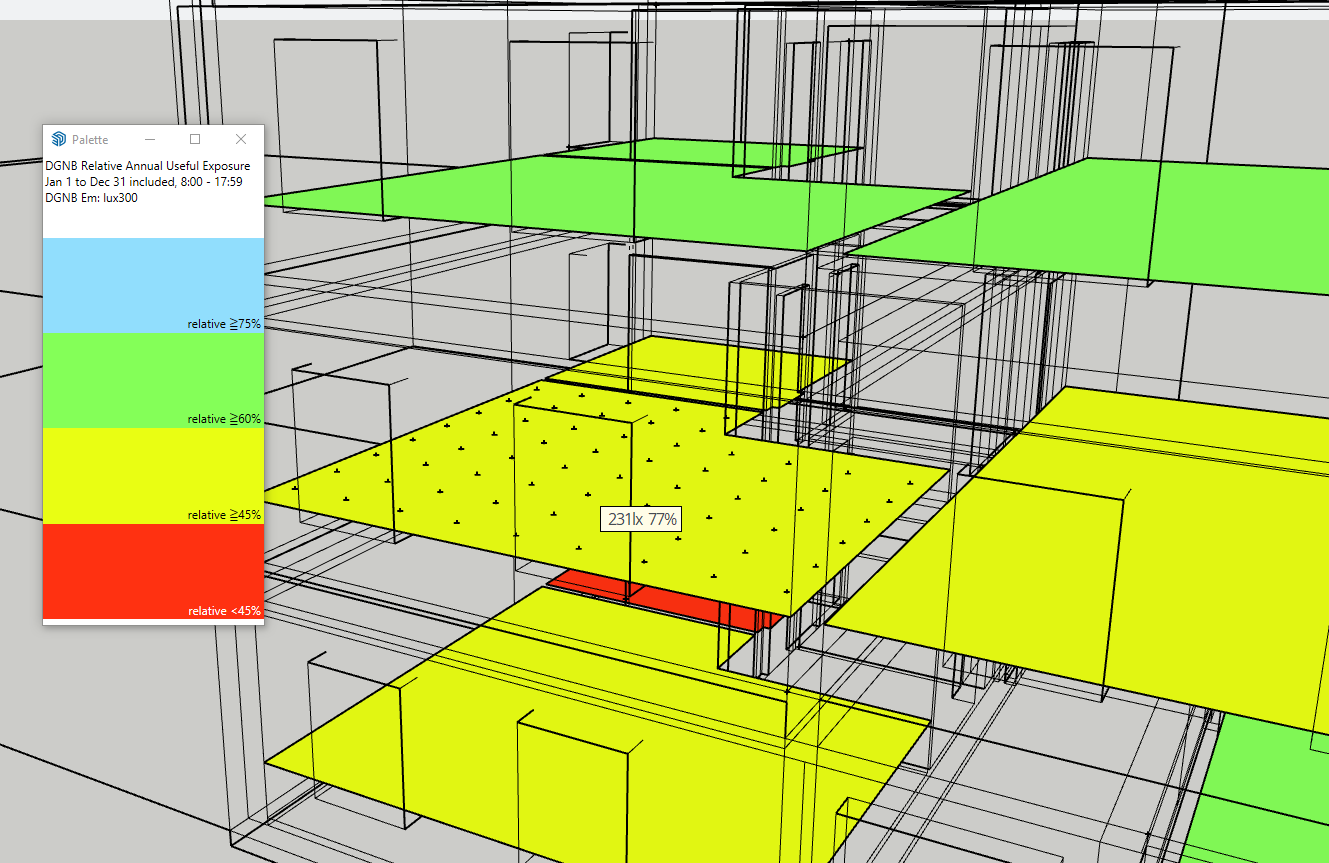
Show/Hide sensors
 allows reading the individual values of sensors
directly on the surfaces.
allows reading the individual values of sensors
directly on the surfaces.
Performing new calculations on the model.
.
DL-Light uses a calculation cache algorithm. It automatically detects if a surface requires a recalculation or if a previous result can be reused. By default, the cache keeps information from the last 10 calculations (configurable value in preferences).
For example, if a calculation has just been performed for the "summer" season, then the season is modified to "winter" for a recalculation, and finally recalculation for "summer":
Archiving results.
DL-Light allows archiving all results of a calculation: reports, textures, and calculation steps (model radiance exports, weather file, ...). This archive can be reloaded onto the model, provided that exactly the same model used during the calculation is used.
Consult the page Archiving results for more information on this feature.
See the page Comparison of results for more information on archive comparison.
Snapshot.
To create an image of the current view with the calculation
results, click on
 for an image with the palette, or on
 for an image without the palette. The export directory for
these snapshots can be opened with
for an image without the palette. The export directory for
these snapshots can be opened with
 .
.
This option is not supported in the evaluation version (see
License information
).